Projects

PHP Projets

Bootstrap Projects

CSS Projects

JavaScript Projects

React Projects

C Projects

C++ Projects

Date:24/10/24(My PHP Projects)

Basic Syntax:

<?php

echo “My first PHP script!”;

?> 

Add:

<?php

$num1 = 10;

$num2 = 20;

$sum = $num1 + $num2;

echo “The sum of $num1 and $num2 is: $sum”;

?>


Subtract:

<?php

$num1 = 20;

$num2 = 10;

$difference = $num1 – $num2;

echo “The difference between $num1 and $num2 is: $difference”;

?>


Multiply:

<?php

$num1 = 10;

$num2 = 5;

$product = $num1 * $num2;

echo “The product of $num1 and $num2 is: $product”;

?>


Divide:

<?php

$num1 = 20;

$num2 = 4;

if ($num2 != 0) {

    $quotient = $num1 / $num2;

    echo “The quotient of $num1 and $num2 is: $quotient”;

} else {

    echo “Division by zero is not allowed.”;

}

?>


strcpy function:

<?php

$original = “Hello, World!”;

$copy = $original;

echo “Original string: $original\n”;

echo “Copied string: $copy”;

?>


25/10/24(PHP Projects)

Variable:


<?php

$x = 5;

$y = “John”;

echo $x;

echo “<br>”;

echo $y;

?>


<?php

$txt = “W3Schools.com”;

echo “I love $txt!”;

?>


<?php

$x = 5;      // $x is an integer

$y = “John”; // $y is a string

echo $x;

echo $y;

?>


var-dump()


<?php

$x = 5;

var_dump($x);

?>


<?php

var_dump(5);

var_dump(“John”);

var_dump(3.14);

var_dump(true);

var_dump([2, 3, 56]);

var_dump(NULL);

?>


<?php

$x = “John”;

echo $x;

?>


Variables Scope

<?php

$x = 5; // global scope


function myTest() {

  // using x inside this function will generate an error

  echo “<p>Variable x inside function is: $x</p>”;

myTest();


echo “<p>Variable x outside function is: $x</p>”;

?>

25/10/24(CSS Projects)

Position

Position Static

<!DOCTYPE html>

<html>

<head>

<style>

div.static {

  position: static;

  border: 3px solid #73AD21;

}

</style>

</head>

<body>


<h2>position: static;</h2>


<p>An element with position: static; is not positioned in any special way; it is always positioned according to the normal flow of the page:</p>


<div class=”static”>

This div element has position: static;

</div>


</body>

</html>

Position Relative

<!DOCTYPE html>

<html>

<head>

<style>

div.relative {

  position: relative;

  left: 30px;

  border: 3px solid #73AD21;

}

</style>

</head>

<body>


<h2>position: relative;</h2>


<p>An element with position: relative; is positioned relative to its normal position:</p>


<div class=”relative”>

This div element has position: relative;

</div>


</body>

</html>

Position Fixed

<!DOCTYPE html>

<html>

<head>

<style>

div.fixed {

  position: fixed;

  bottom: 0;

  right: 0;

  width: 300px;

  border: 3px solid #73AD21;

}

</style>

</head>

<body>


<h2>position: fixed;</h2>


<p>An element with position: fixed; is positioned relative to the viewport, which means it always stays in the same place even if the page is scrolled:</p>


<div class=”fixed”>

This div element has position: fixed;

</div>


</body>

</html>

Website Layout

Header 

<!DOCTYPE html>

<html lang=”en”>

<head>

<title>CSS Website Layout</title>

<meta charset=”utf-8″>

<meta name=”viewport” content=”width=device-width, initial-scale=1″>

<style>

body {

  margin: 0;

}


/* Style the header */

.header {

  background-color: red;

  padding: 20px;

  text-align: center;

}

</style>

</head>

<body>


<div class=”header”>

  <h1>Header</h1>

</div>


</body>

</html>

Navigation Bar

<!DOCTYPE html>

<html lang=”en”>

<head>

<title>CSS Website Layout</title>

<meta charset=”utf-8″>

<meta name=”viewport” content=”width=device-width, initial-scale=1″>

<style>

body {

  margin: 0;

}


/* Style the header */

.header {

  background-color: red;

  padding: 20px;

  text-align: center;

}

</style>

</head>

<body>


<div class=”header”>

  <h1>Header</h1>

</div>


</body>

</html>

Website Layout

<!DOCTYPE html>

<html lang=”en”>

<head>

<title>CSS Website Layout</title>

<meta charset=”utf-8″>

<meta name=”viewport” content=”width=device-width, initial-scale=1″>

<style>

* {

  box-sizing: border-box;

}


body {

  margin: 0;

}


/* Style the header */

.header {

  background-color: green;

  padding: 20px;

  text-align: center;

}


/* Style the top navigation bar */

.topnav {

  overflow: hidden;

  background-color: #333;

}


/* Style the topnav links */

.topnav a {

  float: left;

  display: block;

  color: #f2f2f2;

  text-align: center;

  padding: 14px 16px;

  text-decoration: none;

}


/* Change color on hover */

.topnav a:hover {

  background-color: #ddd;

  color: black;

}


/* Create three equal columns that floats next to each other */

.column {

  float: left;

  width: 33.33%;

  padding: 15px;

}


/* Clear floats after the columns */

.row::after {

  content: “”;

  display: table;

  clear: both;

}


/* Responsive layout – makes the three columns stack on top of each other instead of next to each other */

@media screen and (max-width:600px) {

  .column {

    width: 100%;

  }

}

</style>

</head>

<body>


<div class=”header”>

  <h1>Header</h1>

  <p>Resize the browser window to see the responsive effect.</p>

</div>


<div class=”topnav”>

  <a href=”#”>Link</a>

  <a href=”#”>Link</a>

  <a href=”#”>Link</a>

</div>


<div class=”row”>

  <div class=”column”>

    <h2>Column</h2>

    <p>Lorem ipsum dolor sit amet, consectetur adipiscing elit. Maecenas sit amet pretium urna. Vivamus venenatis velit nec neque ultricies, eget elementum magna tristique. Quisque vehicula, risus eget aliquam placerat, purus leo tincidunt eros, eget luctus quam orci in velit. Praesent scelerisque tortor sed accumsan convallis.</p>

  </div>


  <div class=”column”>

    <h2>Column</h2>

    <p>Lorem ipsum dolor sit amet, consectetur adipiscing elit. Maecenas sit amet pretium urna. Vivamus venenatis velit nec neque ultricies, eget elementum magna tristique. Quisque vehicula, risus eget aliquam placerat, purus leo tincidunt eros, eget luctus quam orci in velit. Praesent scelerisque tortor sed accumsan convallis.</p>

  </div>


  <div class=”column”>

    <h2>Column</h2>

    <p>Lorem ipsum dolor sit amet, consectetur adipiscing elit. Maecenas sit amet pretium urna. Vivamus venenatis velit nec neque ultricies, eget elementum magna tristique. Quisque vehicula, risus eget aliquam placerat, purus leo tincidunt eros, eget luctus quam orci in velit. Praesent scelerisque tortor sed accumsan convallis.</p>

  </div>

</div>


</body>

</html>
My HTML Projects

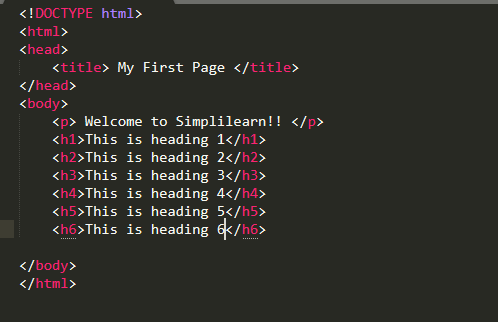
project1-basics html page structure
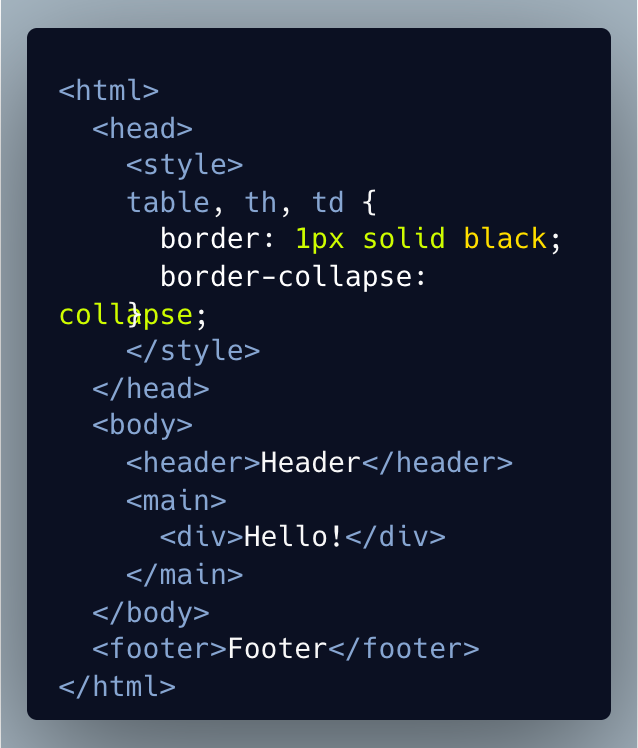
project2-basics html page structure
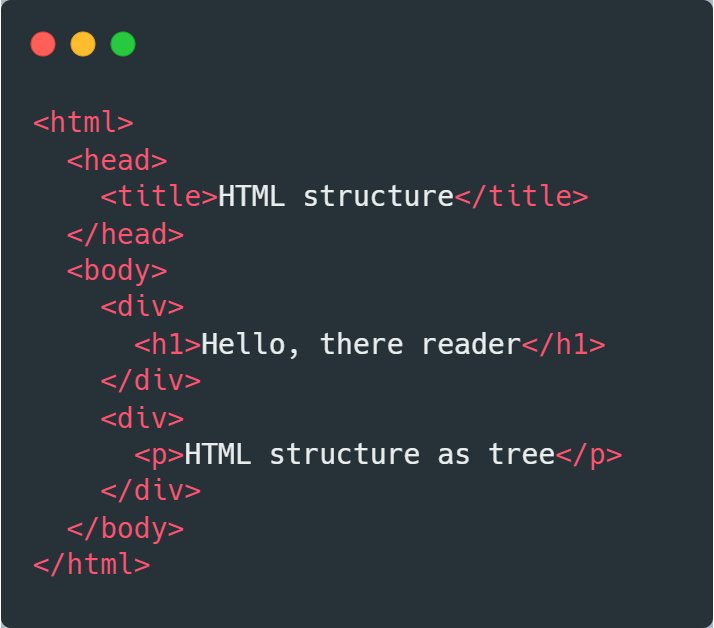
project3-basics html page structure

My CSS Projects

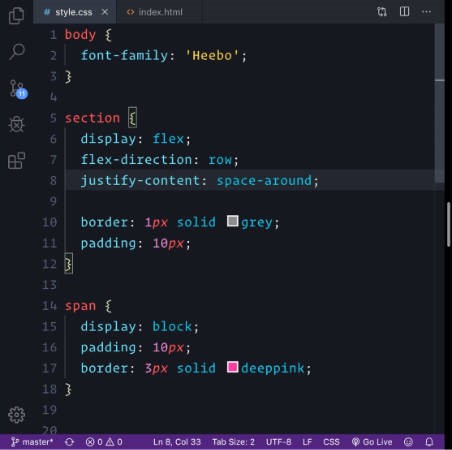
project1-css basics structure
project3-css basics structure

My JavaScript Projects

project1-JavaScript basics structure
project2-JavaScript basics structure
project3-JavaScript basics structure